
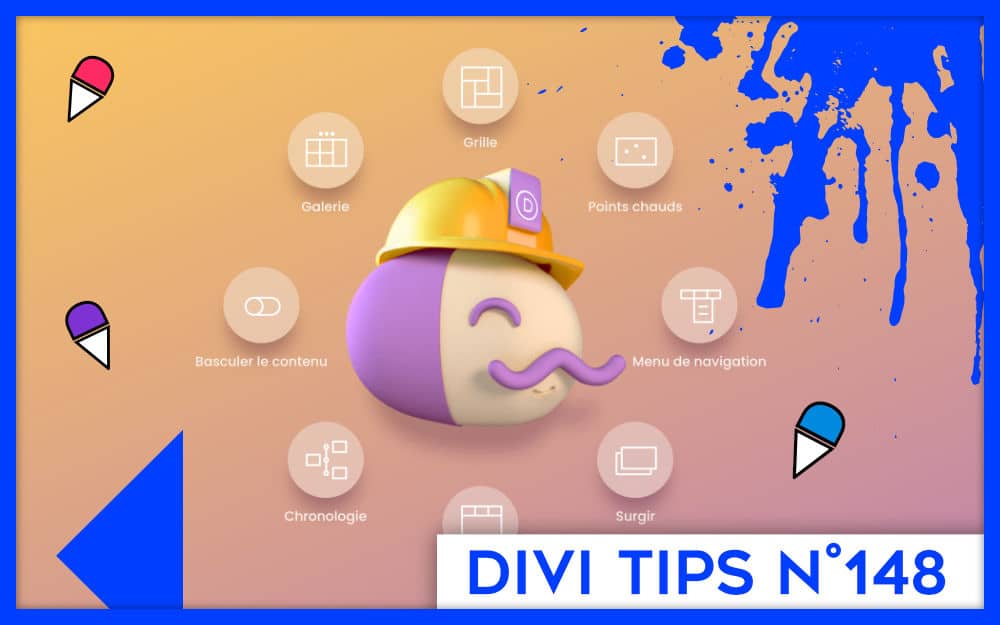
In a previous article, I explained that the acquisition of DonDivi by ElegantThemes was very good news for users of Divi Pro services. We had seen that it was not only the purchase of a plugin but rather of an ecosystem that would bring a fresher wind into Divi. Since this ecosystem is composed of various products, I present in this article the DonDivi Builder. Here we go!
- Installation and settings of DonDivi Builder
- Rocking Content Module (DonDivi Content Toggle)
- Customizable Photo Gallery Module (DonDivi Gallery)
- Flexible Grid Module (DonDivi Grid)
- Image Annotation Module by Key Point (DonDivi Hotspots)
- Advanced Navigation Menu Module (DonDivi Nav Menu)
- popping window module (DonDivi Popup)
- Tab binder module (DonDivi Tabs)
- Timeline Module (DonDivi Timeline)
- In conclusion: DonDivi Builder, an asset for Divi?
Installation and settings of DonDivi Builder
To install the plugin on your website, just buy DonDivi on the marketplace or download it free from your ElegantThemes account as explained here

Then you will install DonDivi Builder from the Extensions > Add > Upload Extension tab, just as you can usually do.
Once enabled, you will find a new tab called DonDivi, located under the Divi tab.
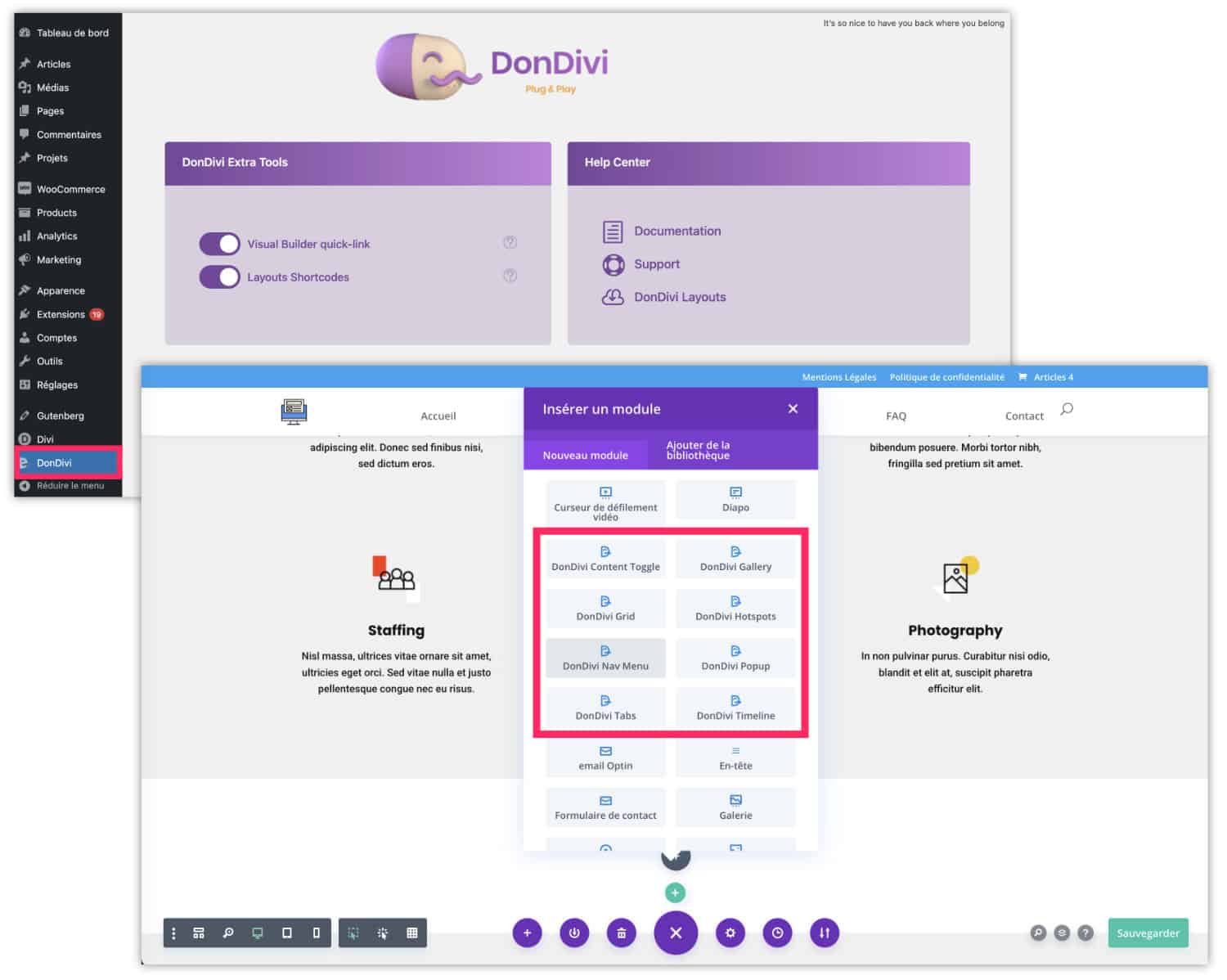
When you go to this tab, you will notice that there are almost no settings to perform because the modules are directly in the Visual Builder, next to the native Divi modules. However, you can consult the documentation and download your ready-made DonDivi layouts
Let's move on to serious things and discover the 8 modules the DonDivi Builder has to offer...
Rocking Content Module (DonDivi Content Toggle)
The DonDivi Toggle module is a fairly classic rocking content module. You will be able to enter content number 1 and content number 2 from the "Content" tab. As you can see, the options fit perfectly within the Divi Builder.
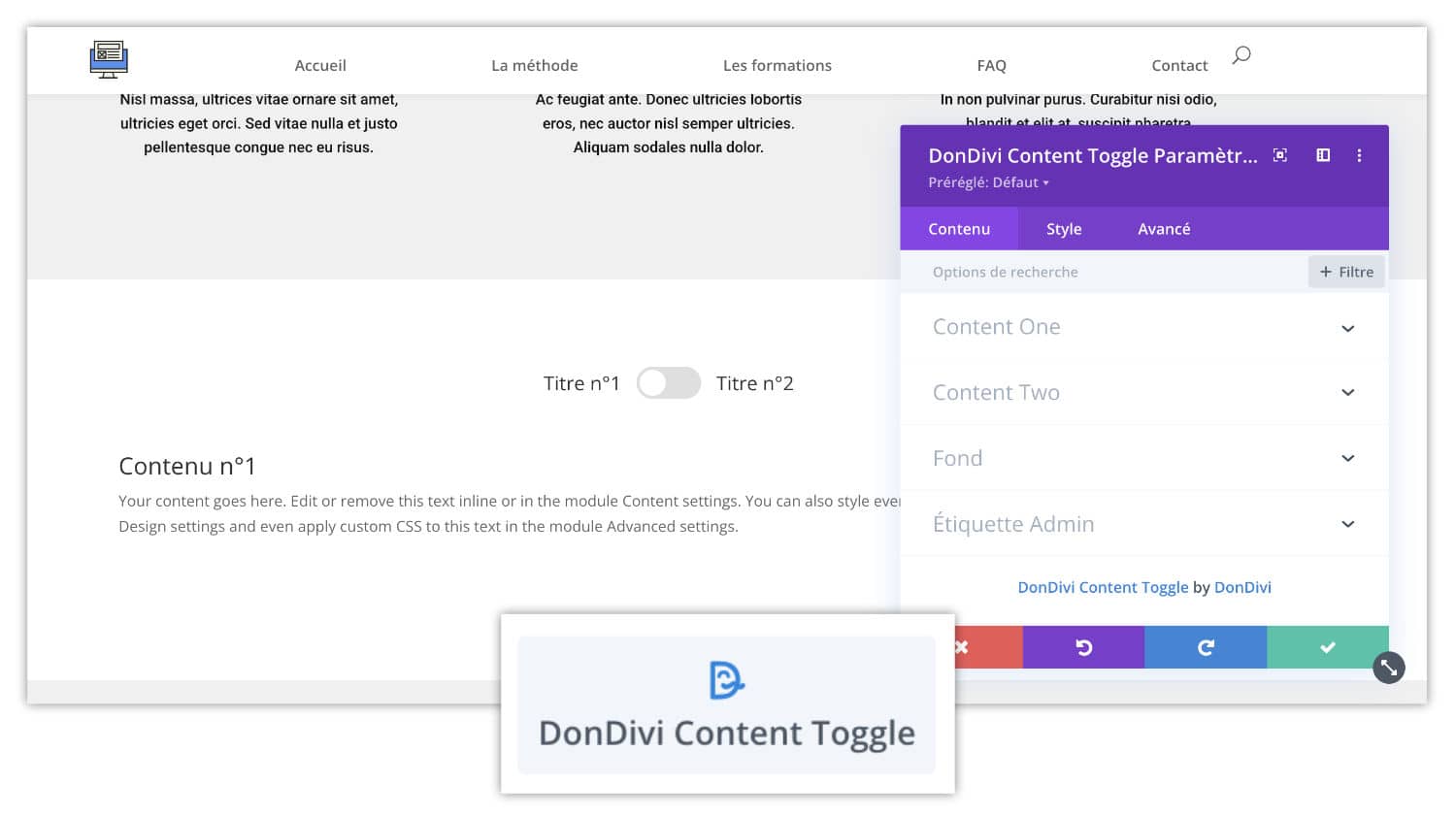
By testing this module I enjoyed finding an infinity of customization options, everything is configurable.
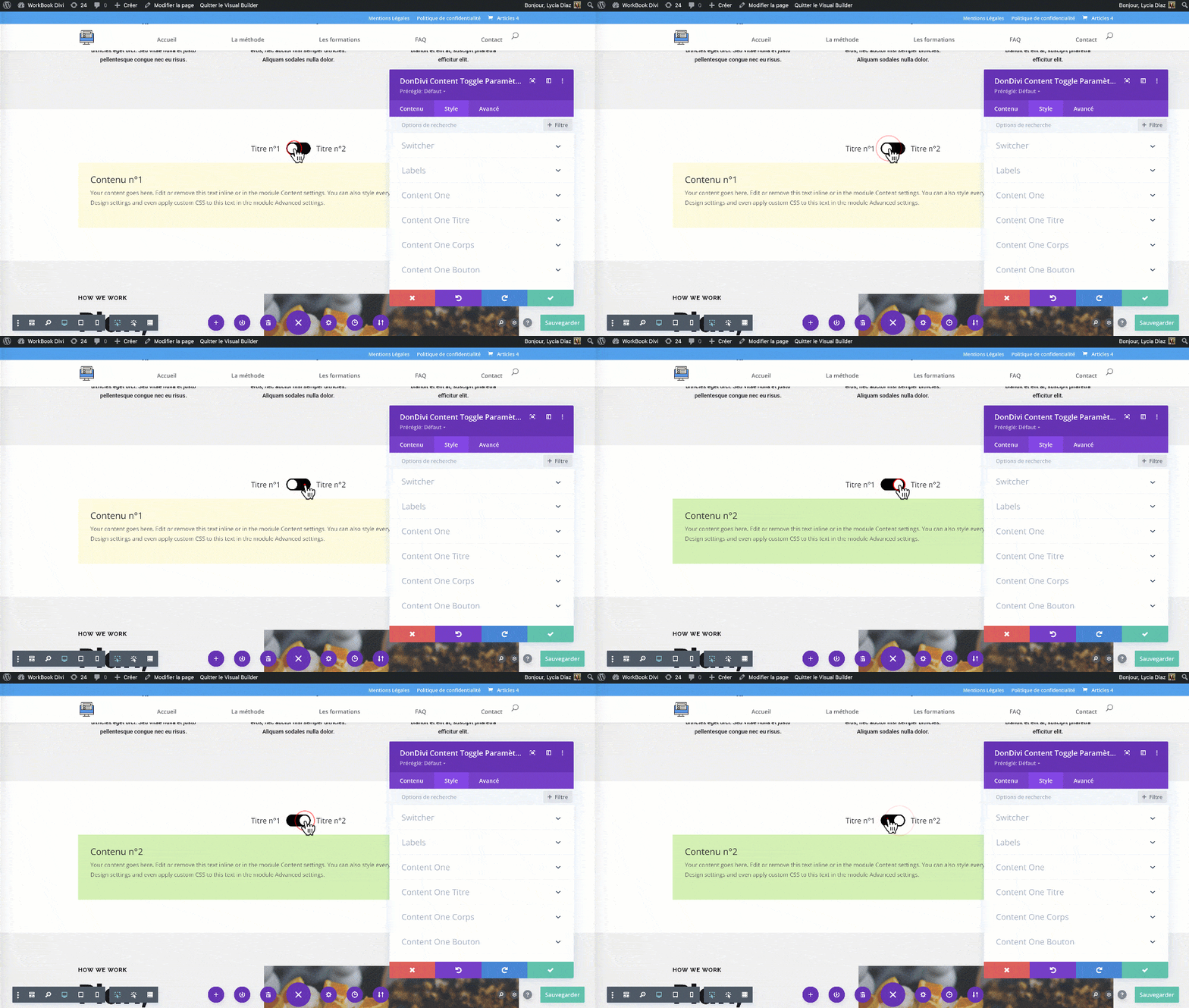
On this GIF, I set two different colors to better see this "toggle" effect, but of course you can customize the switch, titles, fonts, colors, etc.
Customizable Photo Gallery Module (DonDivi Gallery)

The DonDivi Gallery module is very valuable. You will be able (finally) to create beautiful photo galleries that are ultra customizable in grid or "Masonry" mode.
Indeed, Divi Gallery module is really basic and it is often difficult to get a beautiful photo gallery worthy of this name, natively...
Let's look at what's possible with DonDivi Gallery:
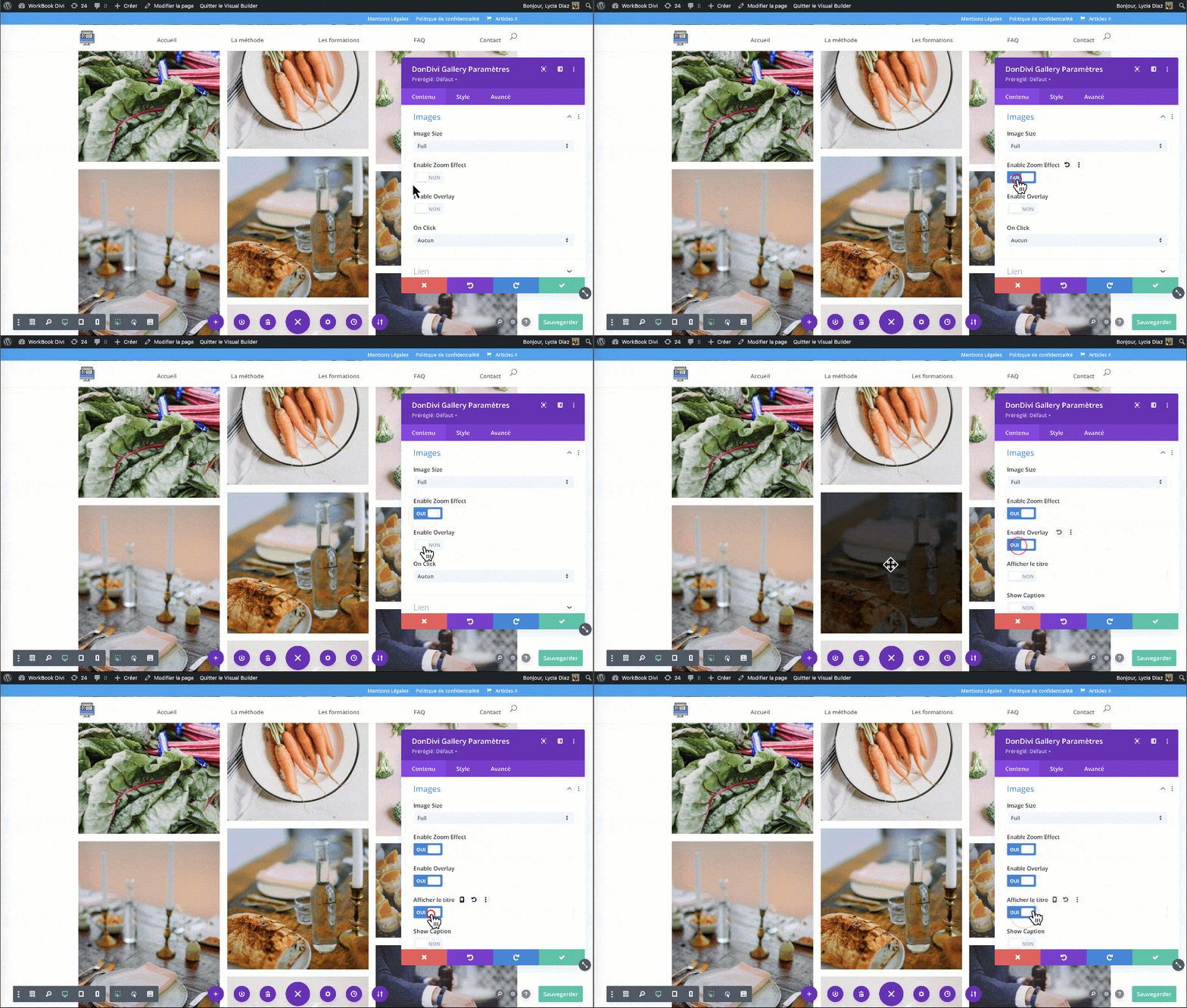
From the Content tab you can choose your images.
Then I invite you to play with the options to find your happiness:
- Image size
- Zoom on images
- Enable an overlay
- Display the title or legend on the image overfly.
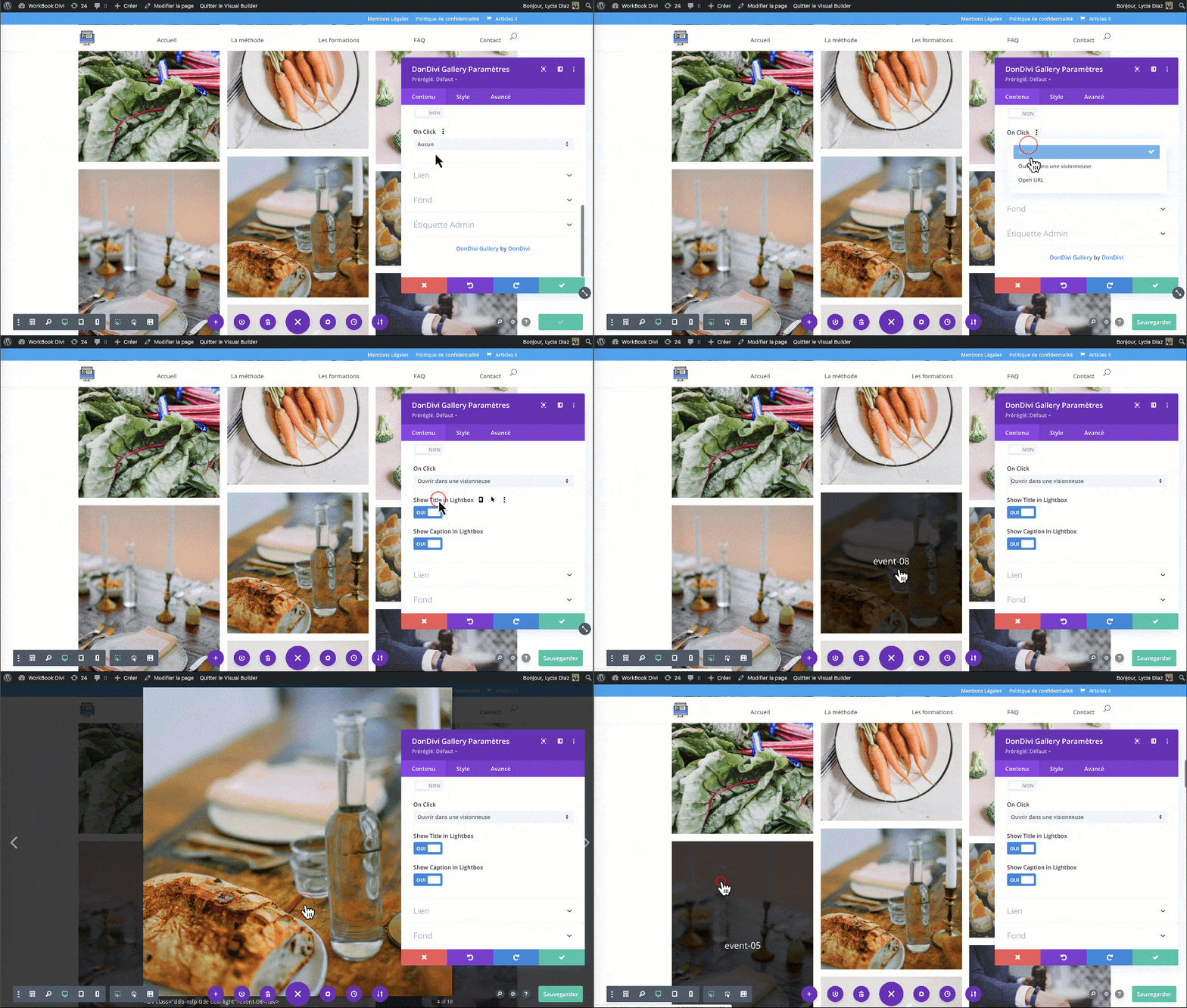
You can also choose the action by clicking on an image:
- Open the image in a viewer
- or add a link to the image
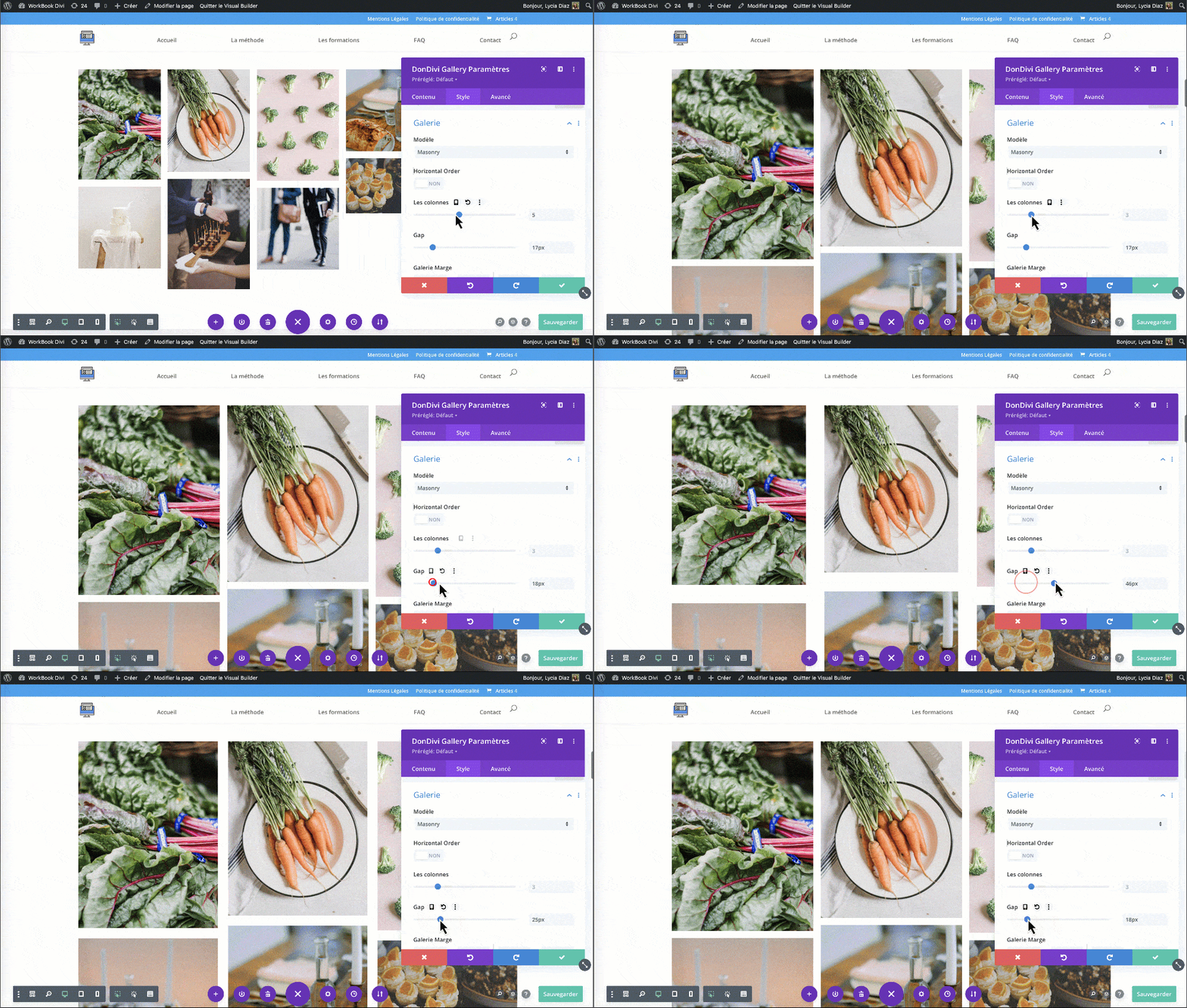
From the Style tab, you can set the gallery template: Grid or Masonry.
Then you can set the number of columns, the margins between the columns (Gap), and many other very useful display options...
Flexible Grid Module (DonDivi Grid)
The DonDivi Grid module will finally allow you to compose original layouts at the "Bento Design" mode.


This module is very flexible but it will require a small grip and a handle of setting to achieve interesting compositions. It's certainly for this reason that you can import some pre-set layout in order to save time. You will find them on the official page on the DonDivi website.
Image Annotation Module by Key Point (DonDivi Hotspots)
We know this type of module that allows to put key points on an image. Depending on your needs, this module could be very useful to you! Imagine for example a map of France or the world on which you would like to place key points.

Plug-in is very easy and you can set everything up:
- Choose the icon and color of each key point.
- Set size and position.
- Set the action by clicking or overtaking.
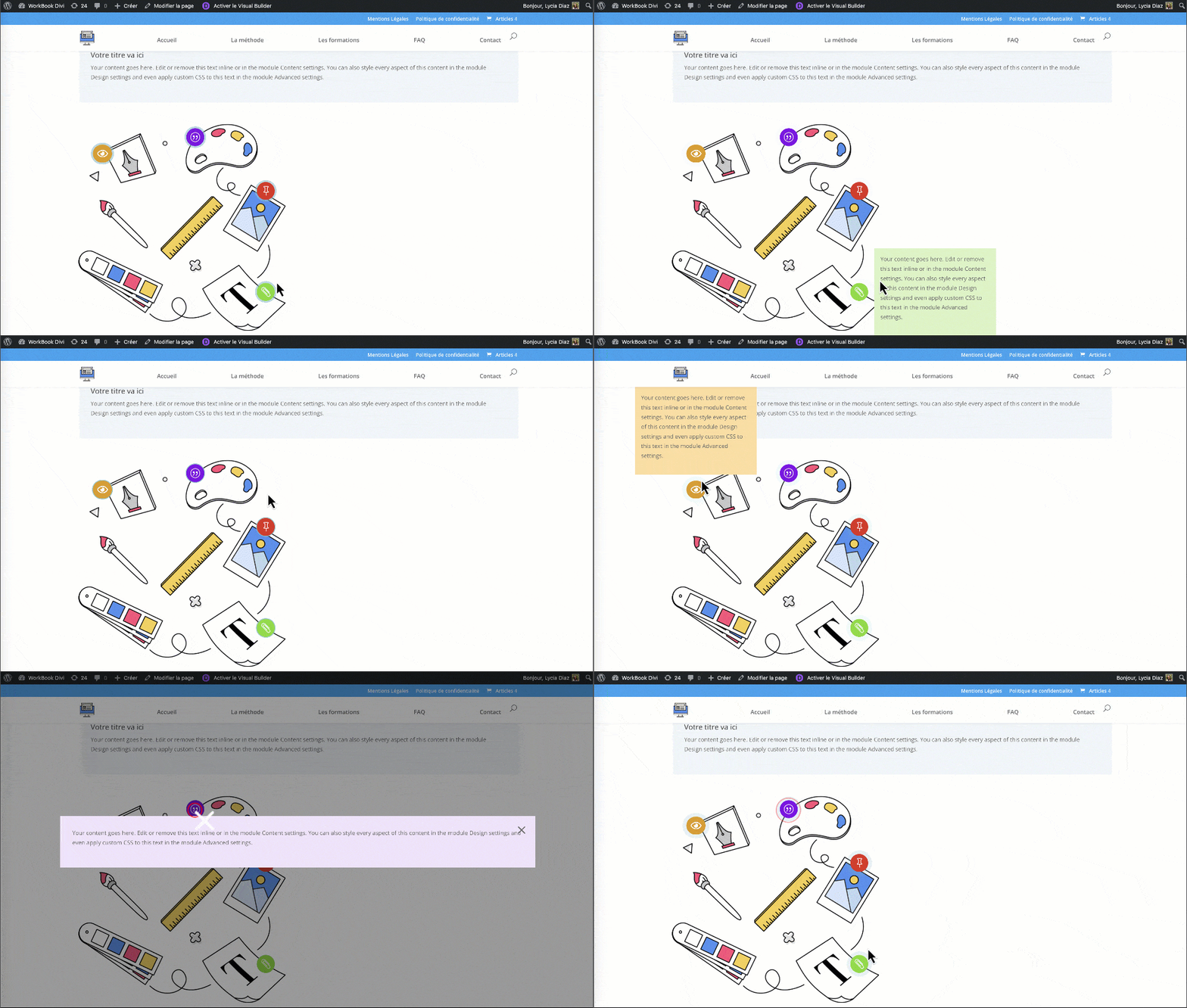
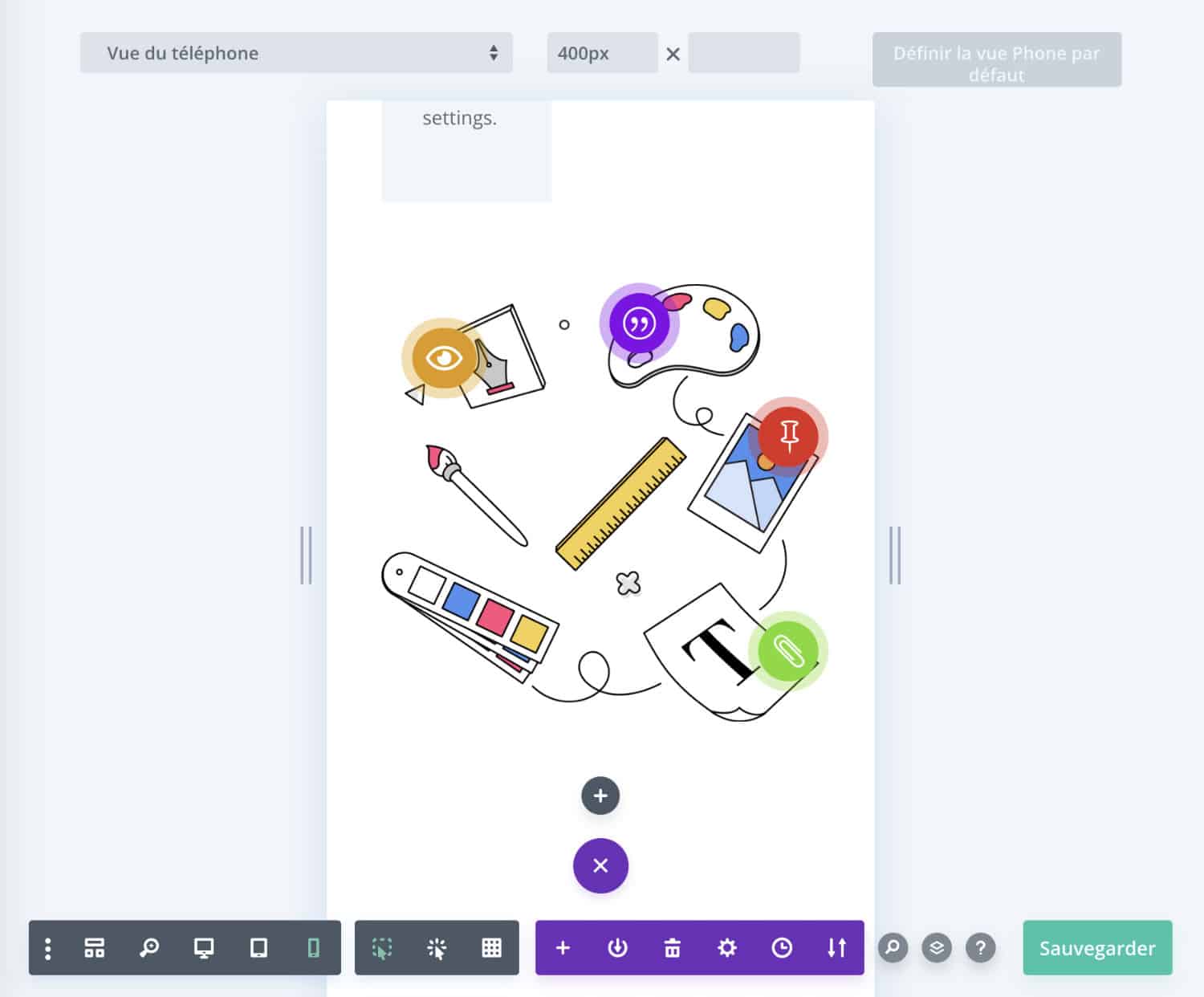
The big positive point I noted was that the key points are carefully kept in the right places when moving. Honestly, during my test, I was convinced that it was going to be a disaster in the mobile version and that each point would have to be replaced using the Divi response options or media queries... But no, it's automatic and it's very good news!
Advanced Navigation Menu Module (DonDivi Nav Menu)
The Divi Native Menu module does not have many options, which is why you will certainly be satisfied with the DonDivi Nav Menu module!

Thanks to it, you can easily add icons in the menu, just play with the options, you can choose size and color.
In the layout options, you can choose the alignment of the menu with flexbox options that are very useful to display elements in "justify content" or "column".
However, during my tests, I did not appreciate the fact that I had to add each item to the menu one by one rather than using an already existing menu, previously created on the Appearance > Menu tab. Also, I found it a pity that no "breakpoint" option was offered in order to decide the screen size of the mobile menu.
popping window module (DonDivi Popup)
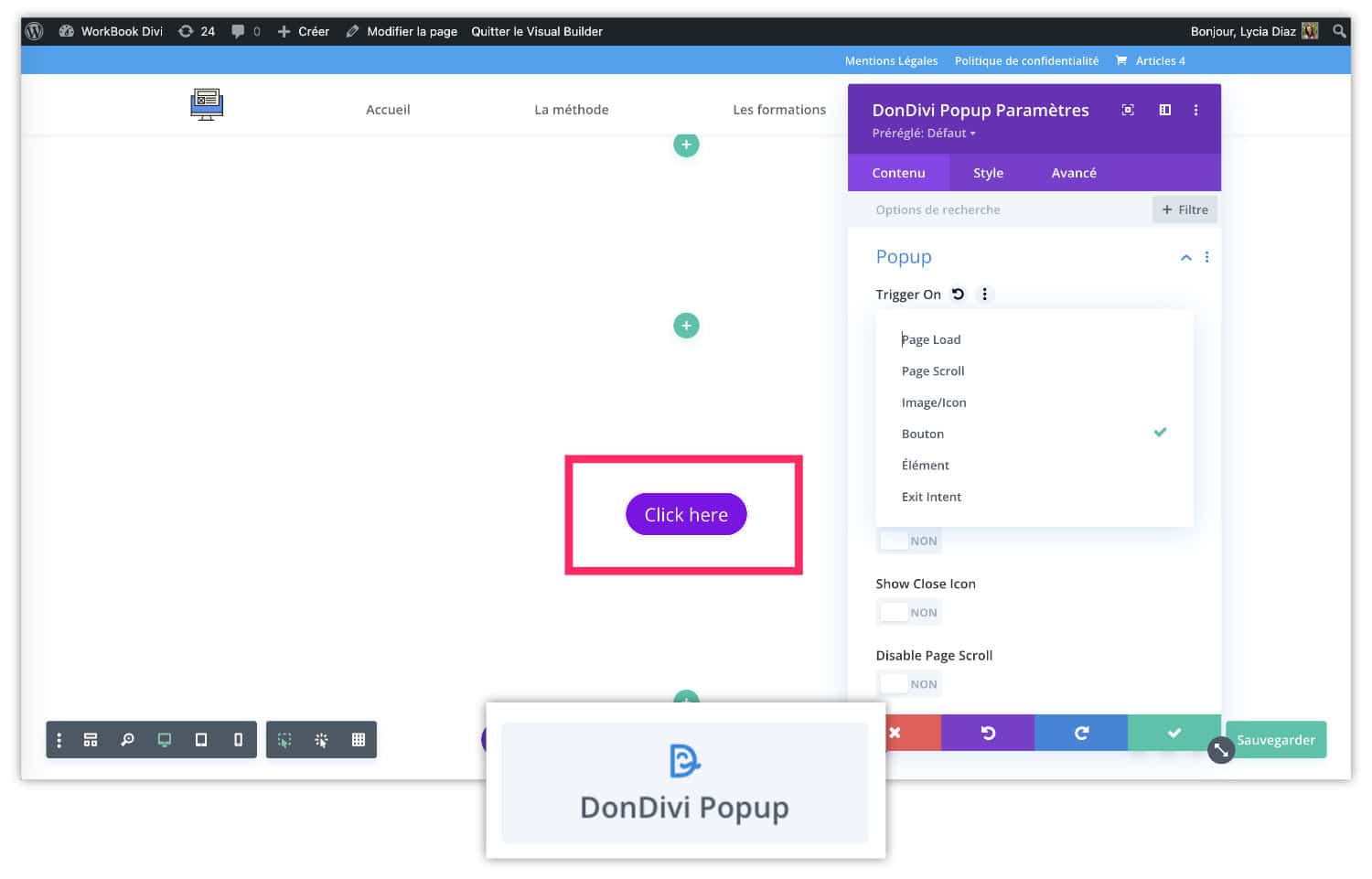
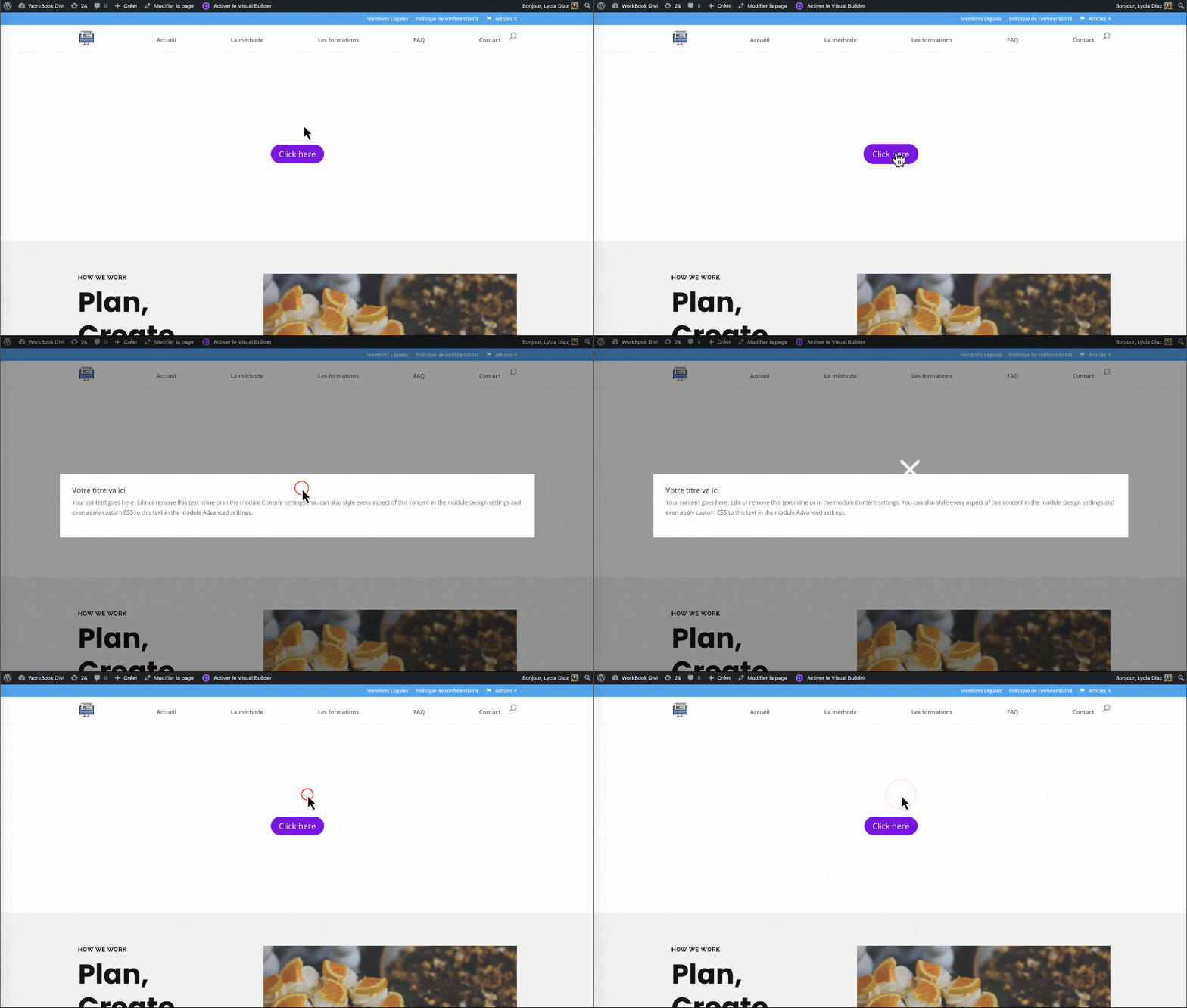
The DonDivi Popup module is simple, efficient and easy to set. You can choose the appearance of a popup according to the following triggers:
- Loading page
- Scrolling the page
- Click or over an image or icon
- Click on a button
- On a CSS element
- When the Internet user leaves the page
Then, for each trigger, you will find many configuration options.
Tab binder module (DonDivi Tabs)
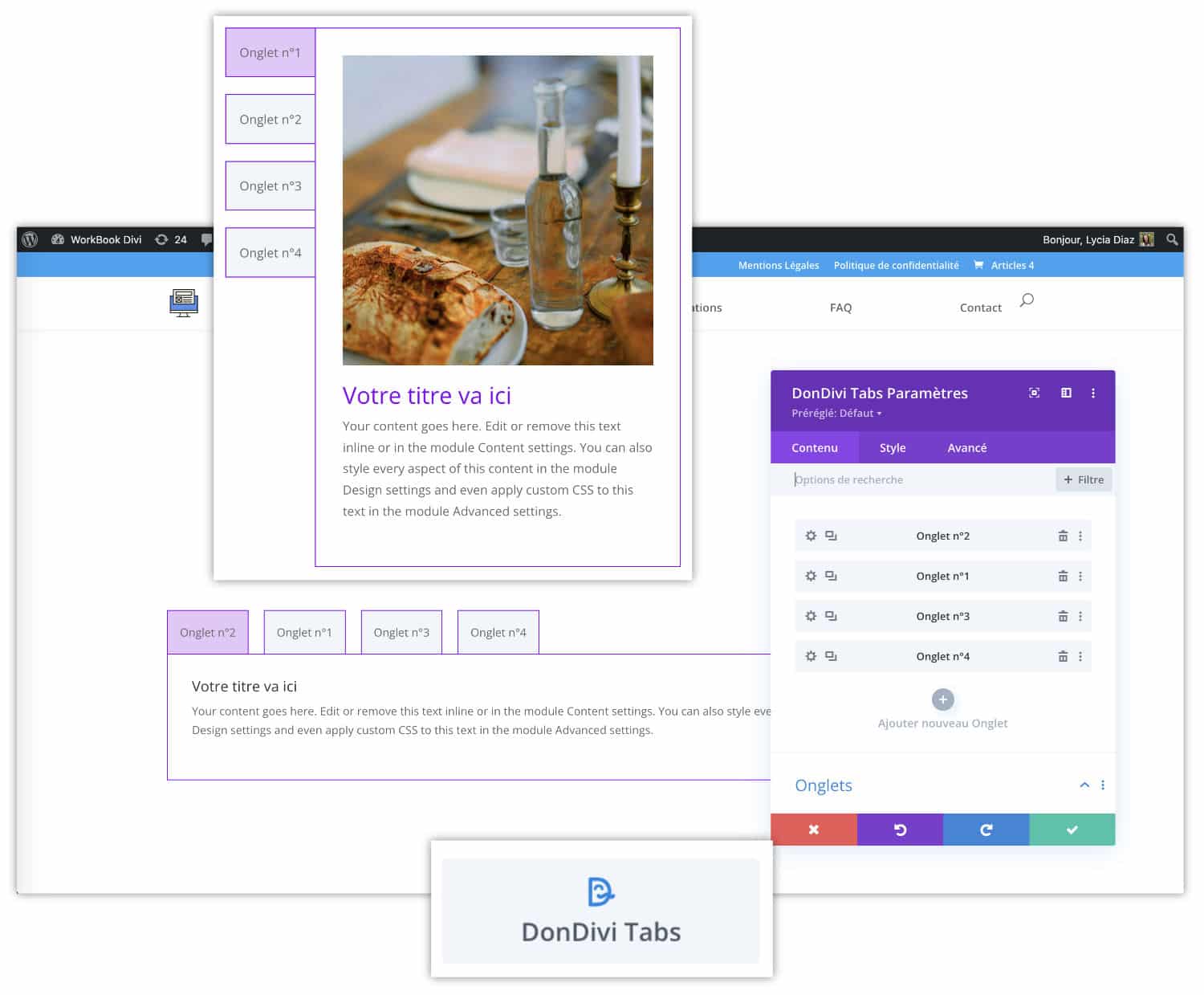
The DonDivi Tab module allows you to choose the number of tabs and their position (top, bottom, left or right). Then you can set each tab according to various options:
- choice of colors, borders...
- choice of content: text, image, icon
- choice of typos and Hn title levels (important for SEO)
- etc.
Timeline Module (DonDivi Timeline)
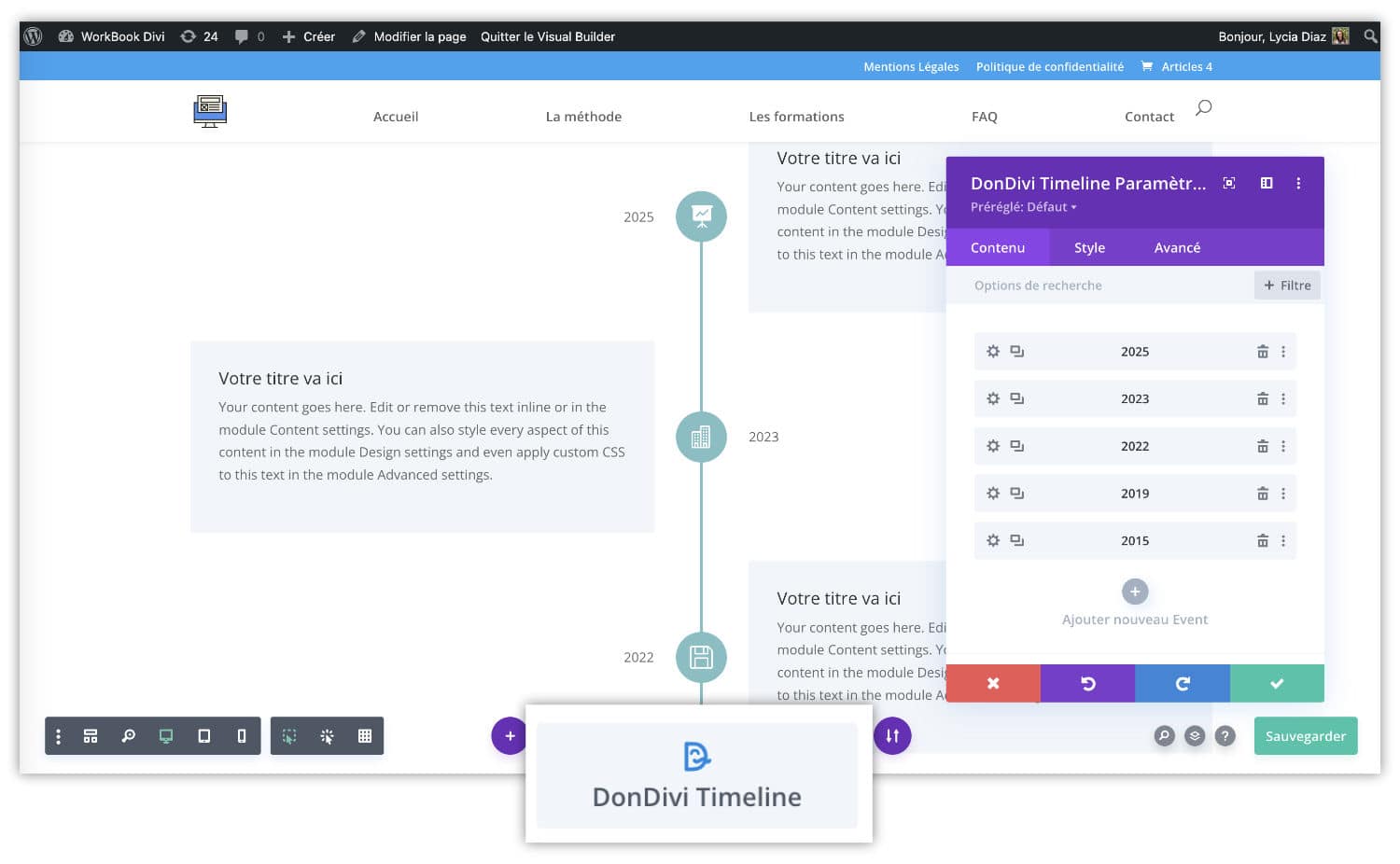
It's always been hard to make a timeline natively in Divi, just because this module doesn't exist. DonDivi Timeline does the job perfectly, you will find all the options to create a chronology worthy of this name. You add each item, choose icons, colors, layout, etc. And hop, the trick is done!
In conclusion: DonDivi Builder, an asset for Divi?
As you understand, DonDivi Builder adds new modules to Divi's Visual Builder, as can other third-party extensions such as Divi Supreme, Divi Flash, etc. Of course, there are not as many modules in DonDivi, but it can be said that they alone satisfy 90% of the needs often requested by your customers when you create their sites.
In conclusion, we can say that YES, DonDivi is an asset for the Divi ecosystem, remains to be seen now how ElegantThemes plans to integrate it into the heart of Divi...
Have you ever used DonDivi Builder?
In future articles, I will show you the rest of the DonDivi ecosystem with DiviMenu, DiviSignatures and DiviPasswords.

0 commentaire